
A two-photo Halloween film · 15 seconds
Make an AI Halloween short with an AI zombie reunion
Bring two portraits into a stylized AI zombie reunion. Set the cast, choose an outbreak backdrop and frame shape, then render a 15-second AI Halloween MP4 with atmospheric audio. The preset supplies the shot sequence, so there is no prompt to write.
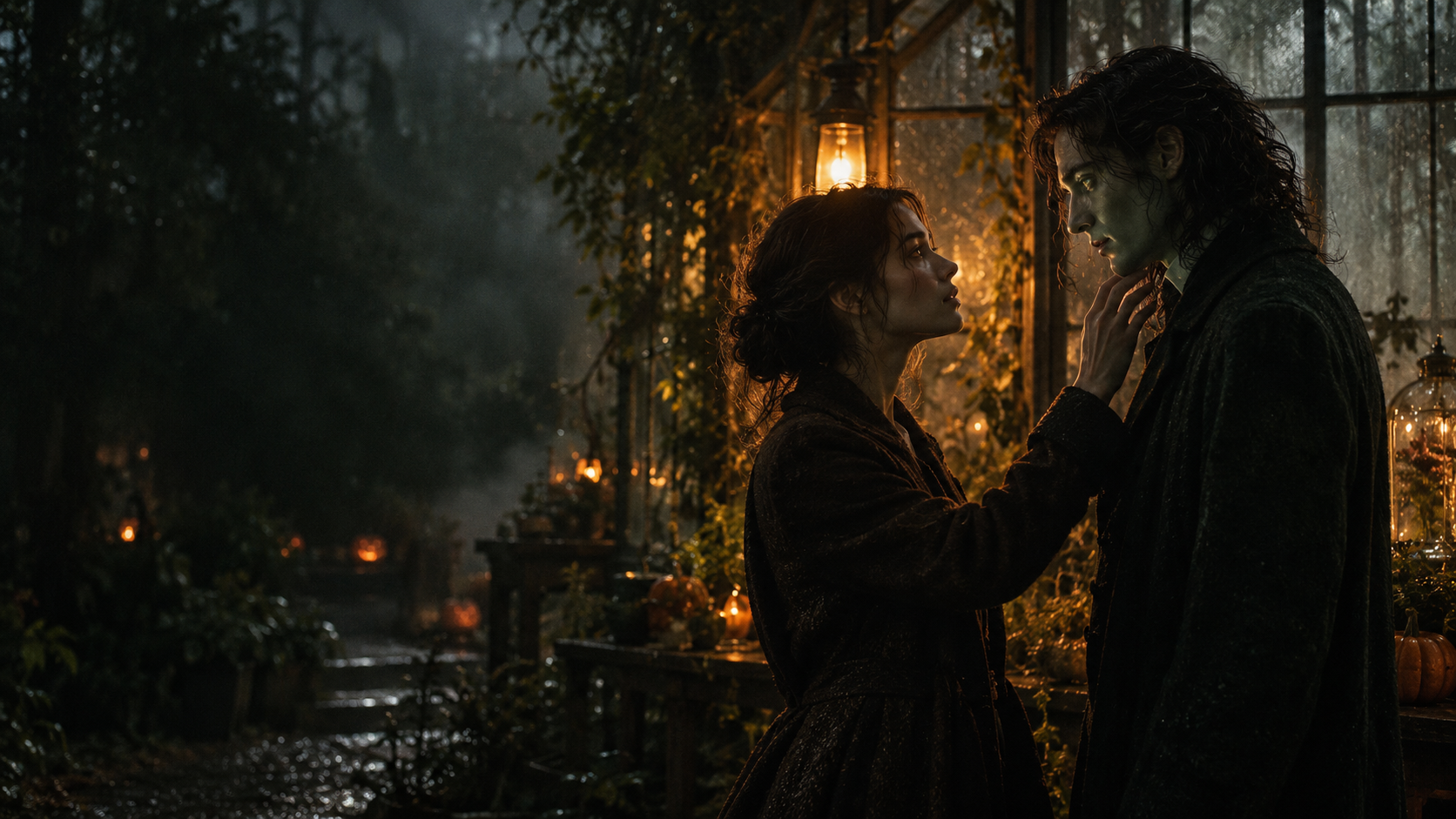
Your two photos
Left: the one holding the gun. Right: the one who turned. One person per photo.
Who has turned
Where it happens
Video
Ready in about 2 to 5 minutes. A failed render returns its credits. See prices
A tiny movie, not a costume filter
Shape the mood of a short Halloween scene
This AI Halloween video generator turns two reference photos into a 15-second AI zombie reunion short. Choose a partner, friend or pet for the returning role, select one of five backdrops and a frame shape, then review the model and credit total before rendering. The built-in sequence moves from a stylized encounter to a warmer reunion.
- 00:00
The encounter
A quiet, abandoned room sets the scene. The survivor recognizes the person approaching before the camera moves closer.
- 00:03
A familiar face
The transformation is visible, while the face, hair and identifying details remain tied to the uploaded photo.
- 00:07
The choice
The survivor lets the weapon fall and opens their arms. The changed one runs forward and leaps.
- 00:10
The memory
The leap continues into warmer light and lands as a reunion. The story ends as a hug, not a scare.
AI Halloween is an independent web tool. Every film is AI-generated. Use your own photos or images of people who gave permission; do not upload a child’s image.
From camera roll to short film
Make the Halloween video in three steps
The sequence is already planned, so there is no prompt to write and no timeline to edit.
- 01
Choose two clear photos
Add one person to each role. The first is the survivor; the second becomes the zombie. For Pet mode, the second image can show one dog or cat.
- 02
Set the cast and frame
Pick Couple or Pet, then choose a wide 16:9, 9:16, 1:1, 4:3 or 3:4 or vertical format. The default film is 15 seconds at 720p; the create button shows the exact credit cost before you continue.
- 03
Render, revisit, download
A standard film uses 12 credits. The provider estimates up to about 5 minutes. You can leave the page and return to My videos for the MP4 when it is ready.
Watch the format
Halloween zombie film examples
Local previews are test renders made with fictional inputs. Public videos are embedded from their original posts and credited to the creators; each player loads after you press play.
Pipeline test renders
From independent creators
Cast your October story
Who belongs in the last scene?
- A partner
- Make a Halloween post with a familiar face at the center. Decide together who appears as the survivor and who turns.
- A friend or sibling
- The same two-role story can be a friendship short. Ask before using another person’s photo, then choose the order that fits your idea.
- A dog or cat
- Pet mode places one dog or cat in the turning role. A clear photo with the whole pet in frame gives the model more detail to follow.
- A softer scare
- This effect is designed around recognition and reunion. It asks for a zombie look without blood or wounds, though generated details can vary.
Before you render
What the Halloween film includes
A short checklist of the inputs, output and current default settings.
- Input
- Two photos: survivor plus the one who turns
- Cast
- Two people, or one person and one dog or cat
- Scenes
- Farmhouse, fallen city, blizzard, empty mall or night subway
- Length
- 15 seconds
- Frame
- 16:9, 9:16, 1:1, 4:3 or 3:4
- Starting quality
- 720p; other choices are in Video settings
- Starting model
- Seedance 2.0 Mini
- Audio
- Atmospheric sound and a soft musical ending; no dialogue
- Cost
- 12 credits at the default setting
- Download
- MP4 without a watermark
Licensed TikTok or Reels music is not included. Add platform audio when you post if you want it.
Clear before you create
What does one Halloween video cost?
The default 15-second film at 720p costs 12 credits. There is no free generation. The 12 credits for $9.99 credit pack covers one standard film, and pack credits do not expire.
- 15 s 480p, Seedance 2.0 Mini
- 6 credits
- 15 s 720p, Seedance 2.0 Mini
- 12 credits
- Smallest first purchase
- $9.99 for 12 credits
- Lowest price per 720p film
- $2.99
Credits are not dollars. The button shows the exact price for your settings before you create, and a failed render returns its credits. Full price table
Single
$9.99 one-time
$9.99 per 15-second film at 720p
- 12 credits, paid for once
- One 15-second film at 720p, or two at 480p
- Credits never expire
- No subscription
Checkout opens soon
Duo Pack
$29 one-time
$6.96 per 15-second film at 720p
- 50 credits, paid for once
- About 4 films at 720p or 8 at 480p (15 s)
- Credits never expire
- No subscription
Checkout opens soon
Party Pack
$59 one-time
$3.54 per 15-second film at 720p
- 200 credits, paid for once
- About 16 films at 720p or 33 at 480p (15 s)
- Credits never expire
- No subscription
Checkout opens soon
Crew Pack
$99 one-time
$3.39 per 15-second film at 720p
- 350 credits, paid for once
- About 29 films at 720p or 58 at 480p (15 s)
- Credits never expire
- No subscription
Checkout opens soon
Studio Pack
$199 one-time
$2.99 per 15-second film at 720p
- 800 credits, paid for once
- About 66 films at 720p or 133 at 480p (15 s)
- Credits never expire
- No subscription
Checkout opens soon
Payments handled by Stripe · Pack credits don’t expire · Plans renew until you cancel · A failed render returns its credits
A better starting frame
Photo tips for a recognizable result
The model uses the uploaded faces and markings as visual references. Results still vary from render to render.
Works
- Use one clearly visible face per photo, facing the camera in even light
- Choose a waist-up or full-body portrait when you want the leap to read clearly
- For a pet, include the full animal and make its eyes and coat markings visible
Skip
- Sunglasses, masks, heavy filters or hair covering the face
- Group photos where the intended person is small in frame
- Images of someone who has not agreed to appear
Every page
Pick What You Want to Make
Each page below loads the generator with its own setup ready. Choose one, then add your photos.
AI zombie trend
A two-portrait Halloween film with an outbreak scene, an unexpected reunion and a quiet memory ending.
Make this
Guides
All guides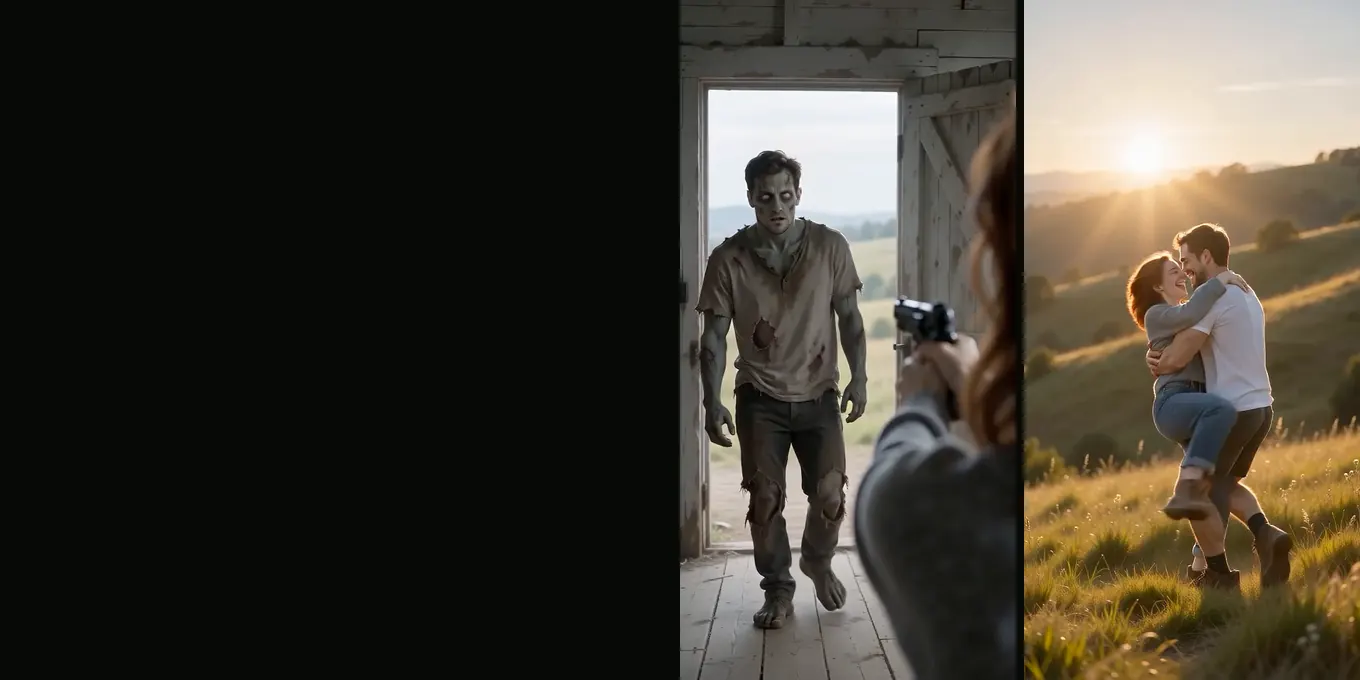
HOW-TO
Make an AI zombie video from two photos
- Left photo holds the gun
- Right photo turns
- 15 s with sound
Read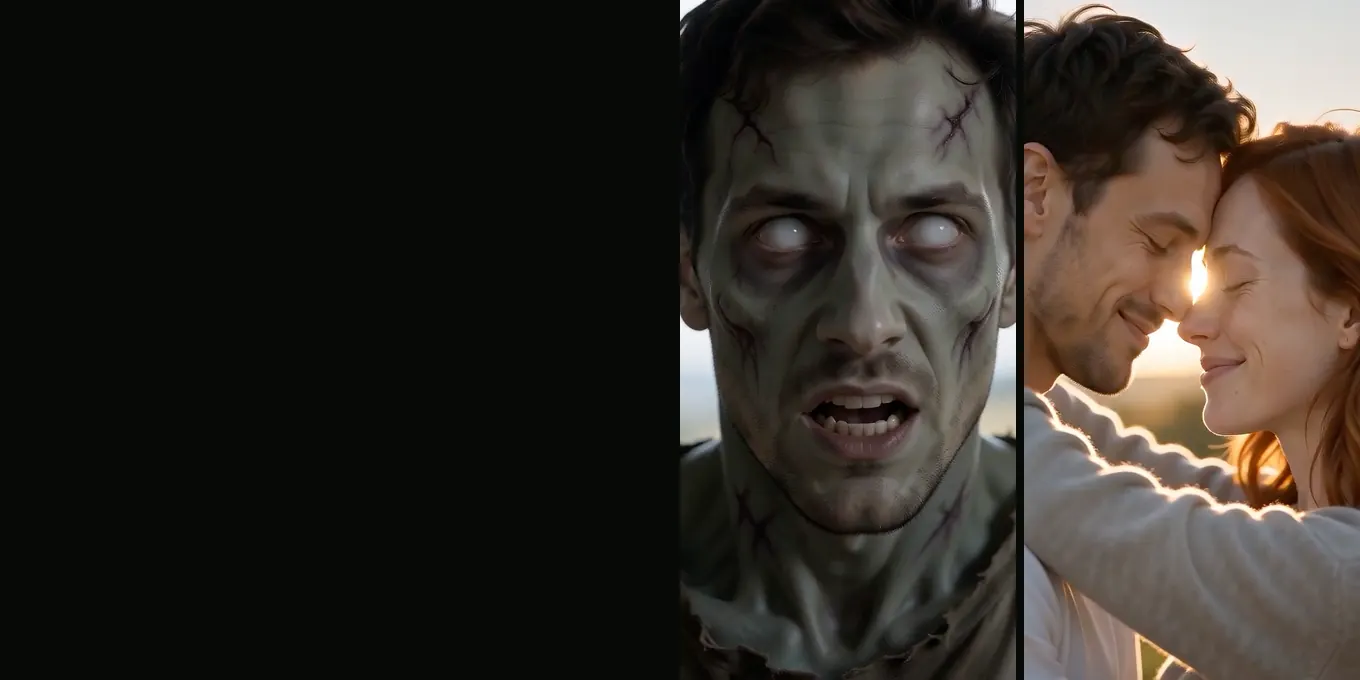
COUPLES
The zombie love story, step by step
- Who turns
- Four scenes
- Both versions
Read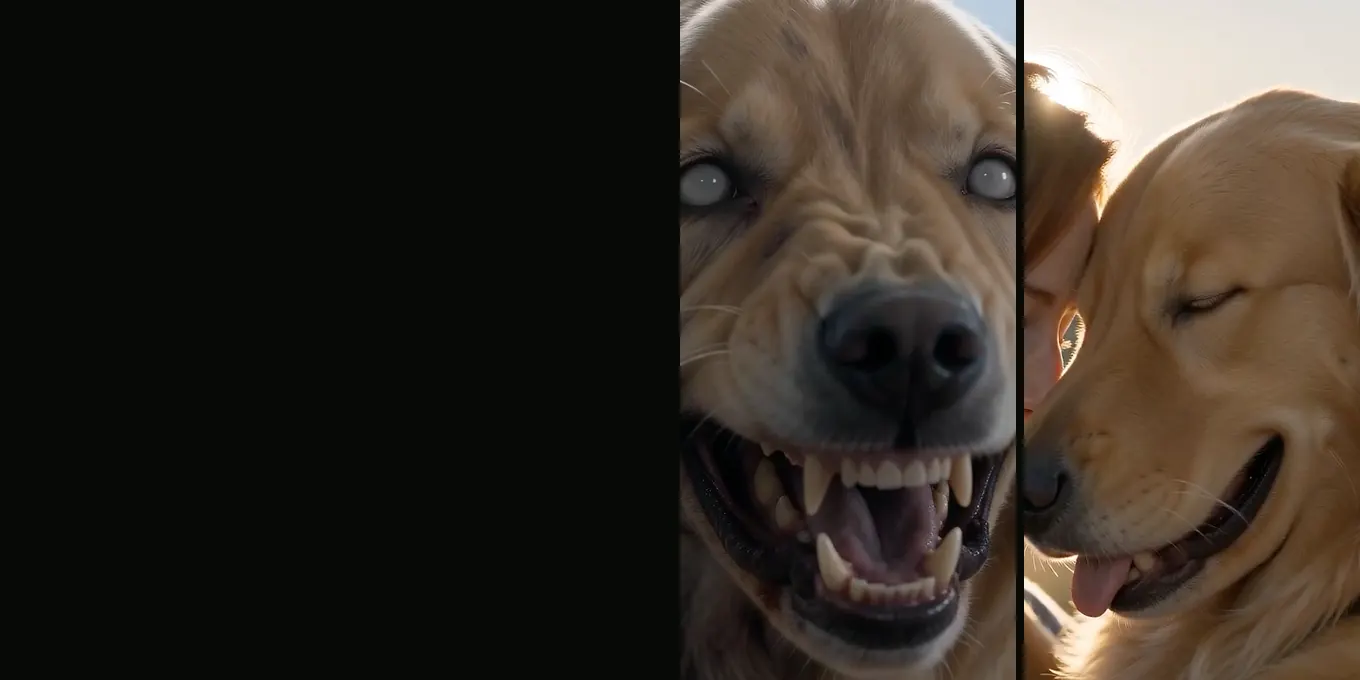
PET VERSION
Your dog or cat as the zombie
- Milky eyes, matted fur
- Same breed and markings
- Ends in a hug
Read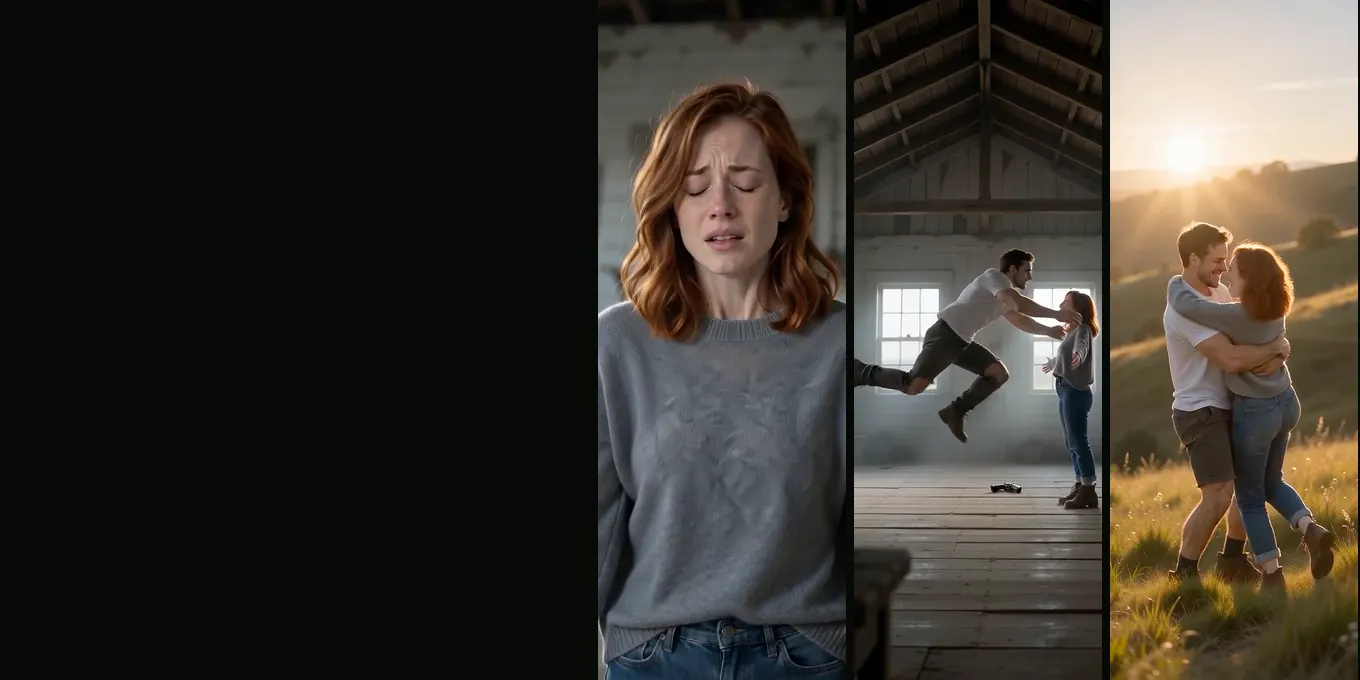
PROMPT
The full prompt and four fixes
- Seven timed shots
- The gun on the floor
- The match cut
Read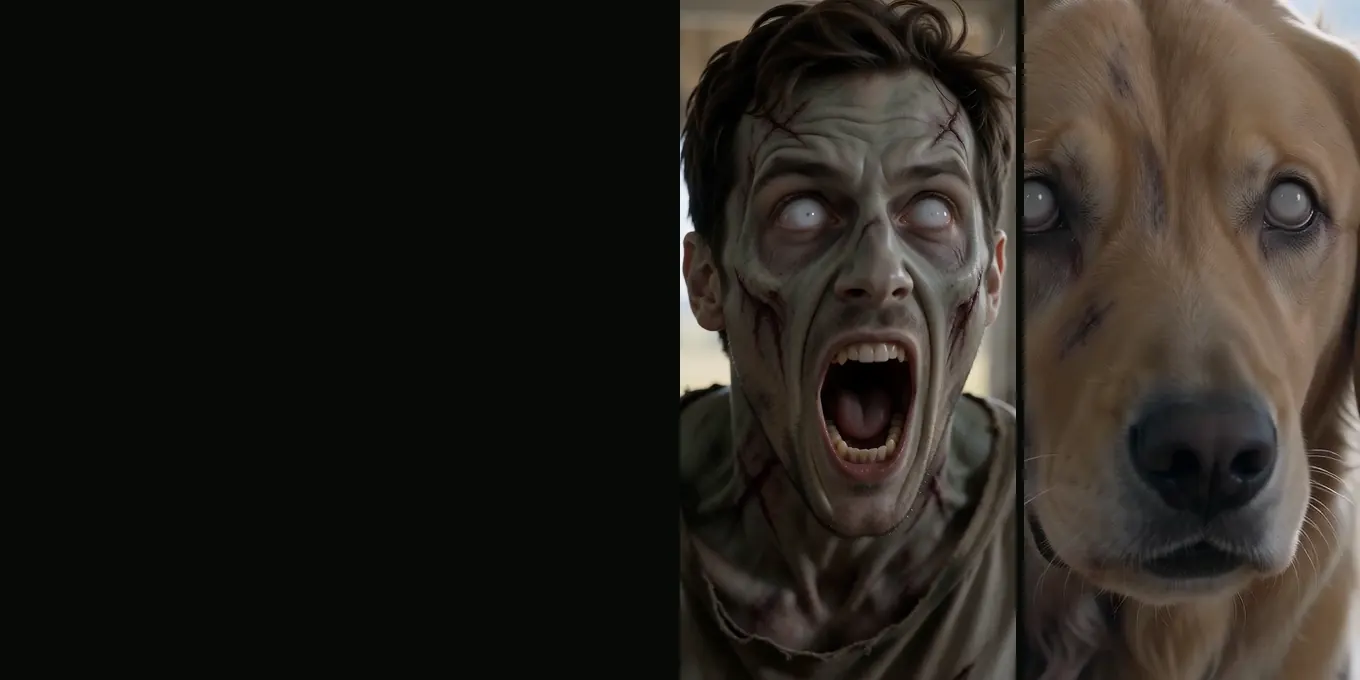
HALLOWEEN 2026
Seven zombie video ideas
- Couples and friends
- Dogs and cats
- 9:16 for Reels
Read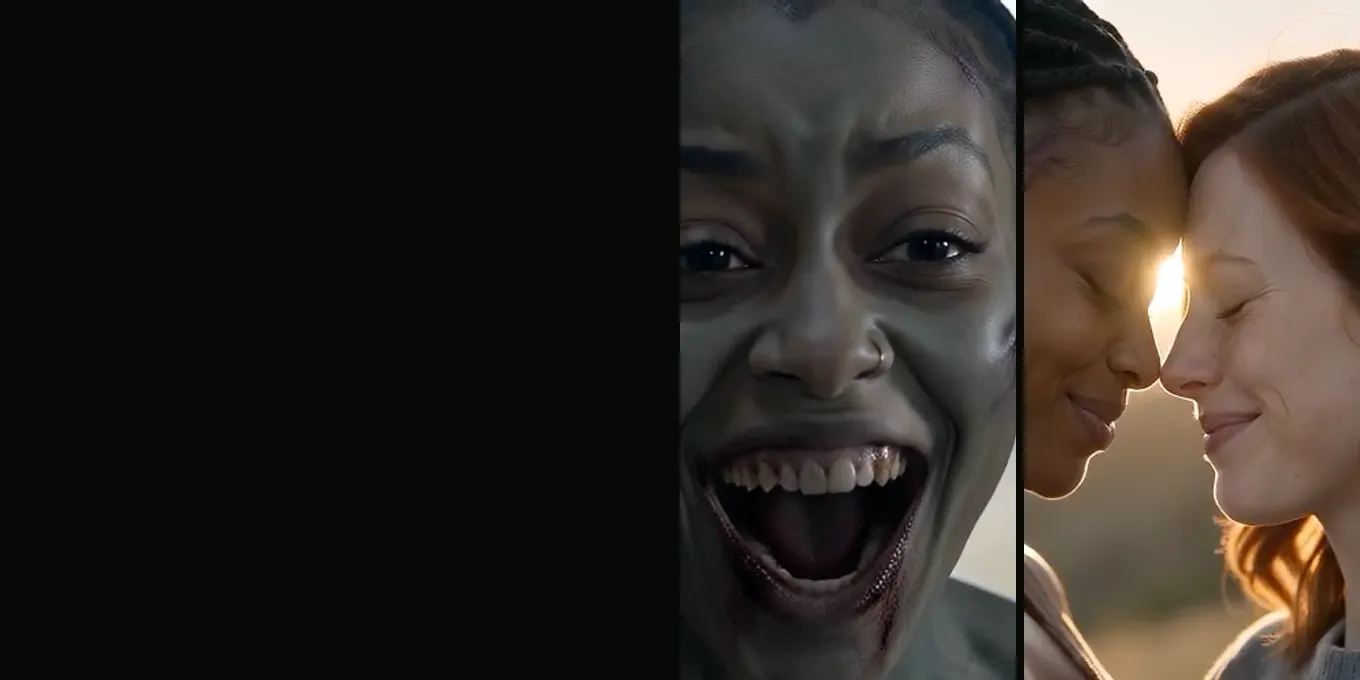
FRIENDS & FAMILY
The zombie trend with your best friend or mom
- Best friends
- Siblings
- Mom or dad
Read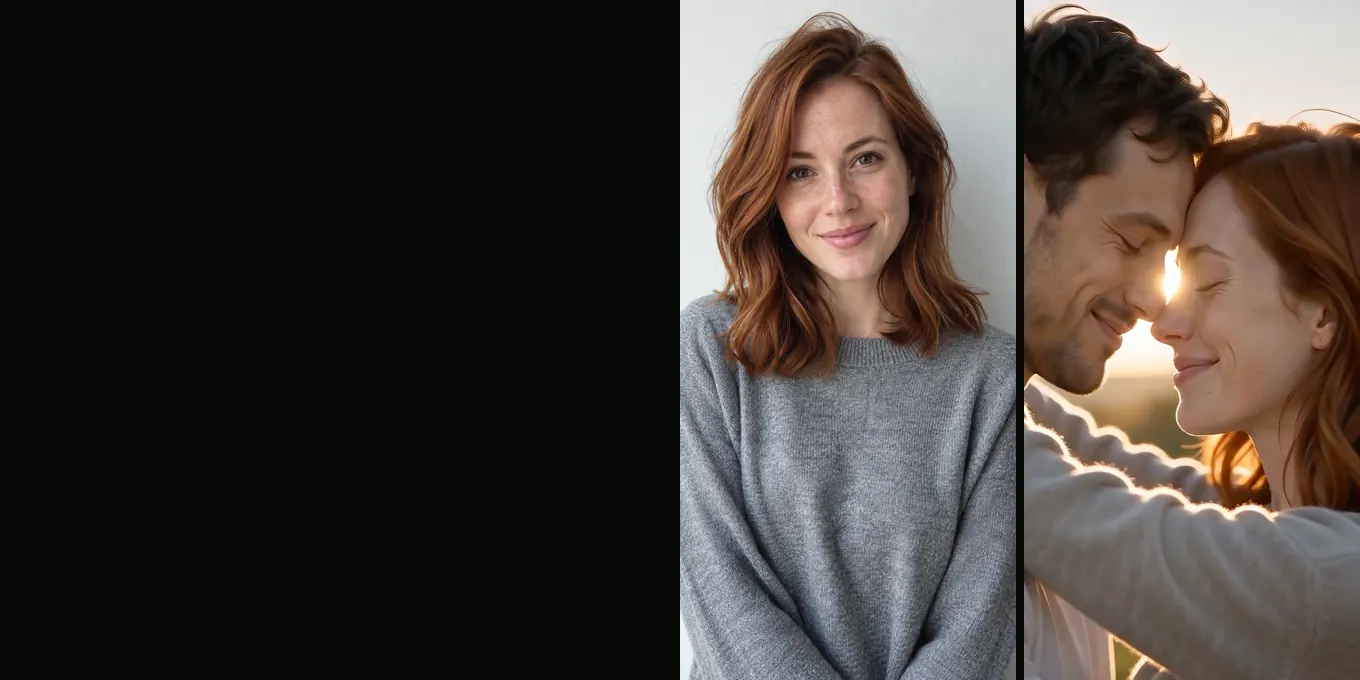
FIXES
Your zombie video doesn’t look like you?
- Faces that drift
- Wrong one turned
- No zombie look
Read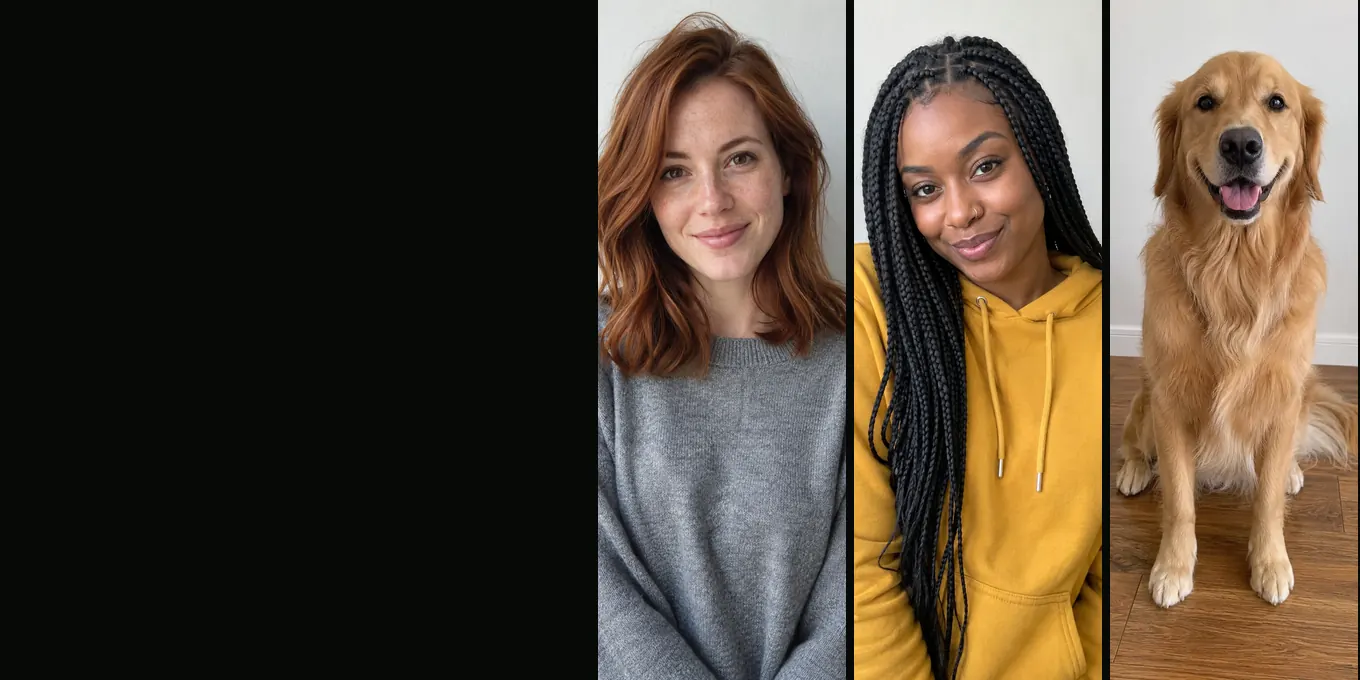
PHOTOS
The best photos for the AI zombie trend
- One face per photo
- Front-facing, daylight
- File rules
Read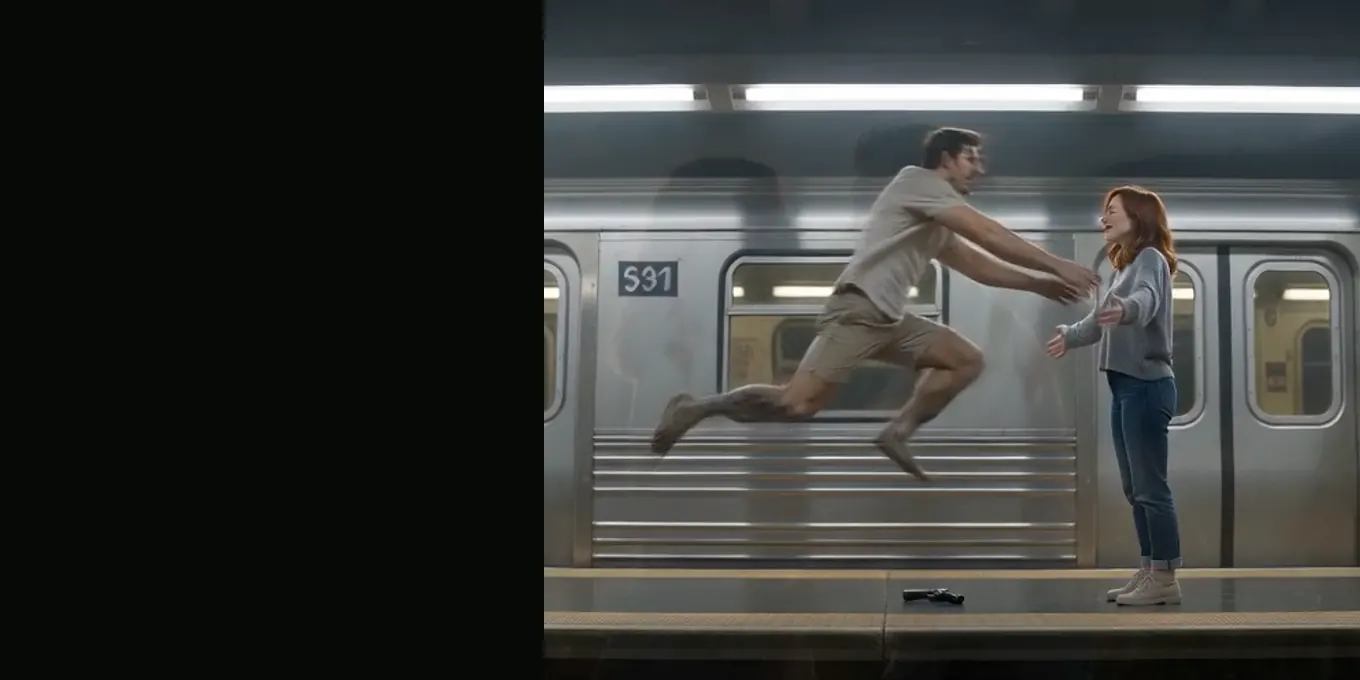
THE CUT
The zombie match cut, frame by frame
- Why mid-leap
- Two prompt lines
- Our renders
Read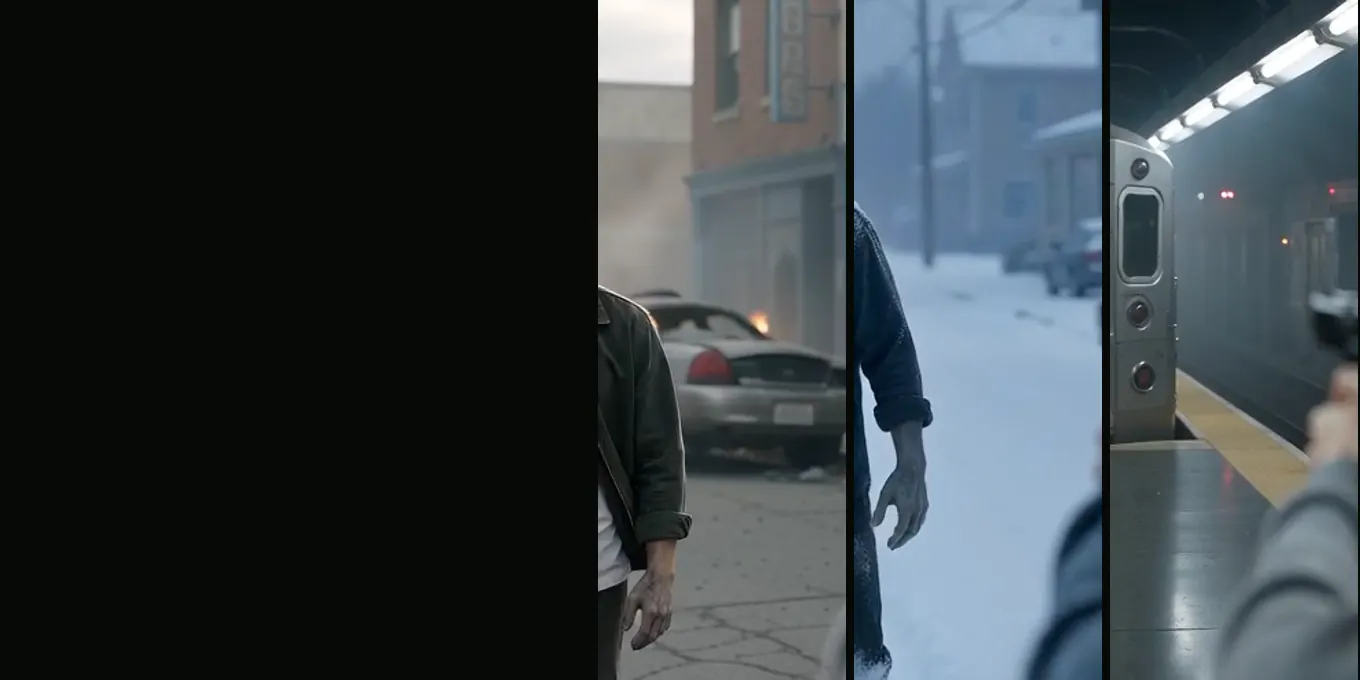
FIVE WORLDS
Zombie apocalypse scene ideas
- Farmhouse, city, snow
- Mall and subway
- Tested renders
Read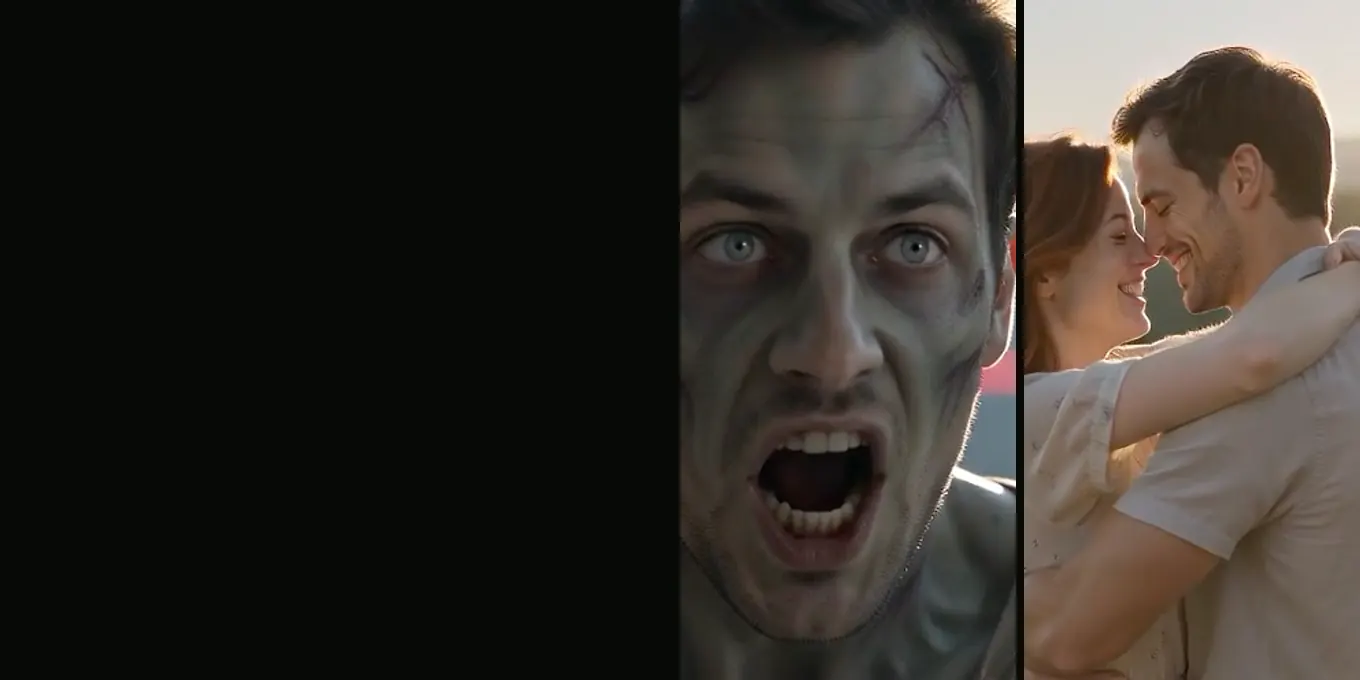
CAPCUT
The zombie trend in CapCut
- Zombie templates
- Add a sound
- Add a line
Read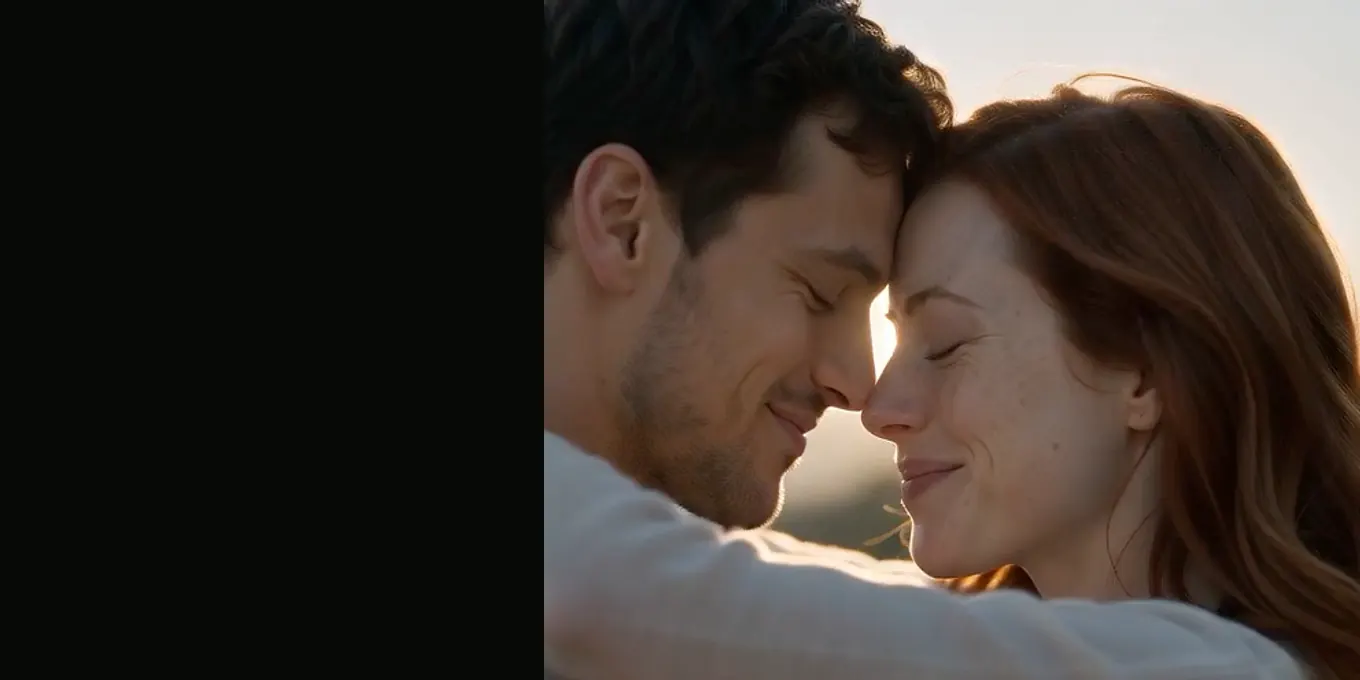
CAPTIONS
Zombie trend captions and sounds
- Lines on screen
- Post captions
- The AI label
Read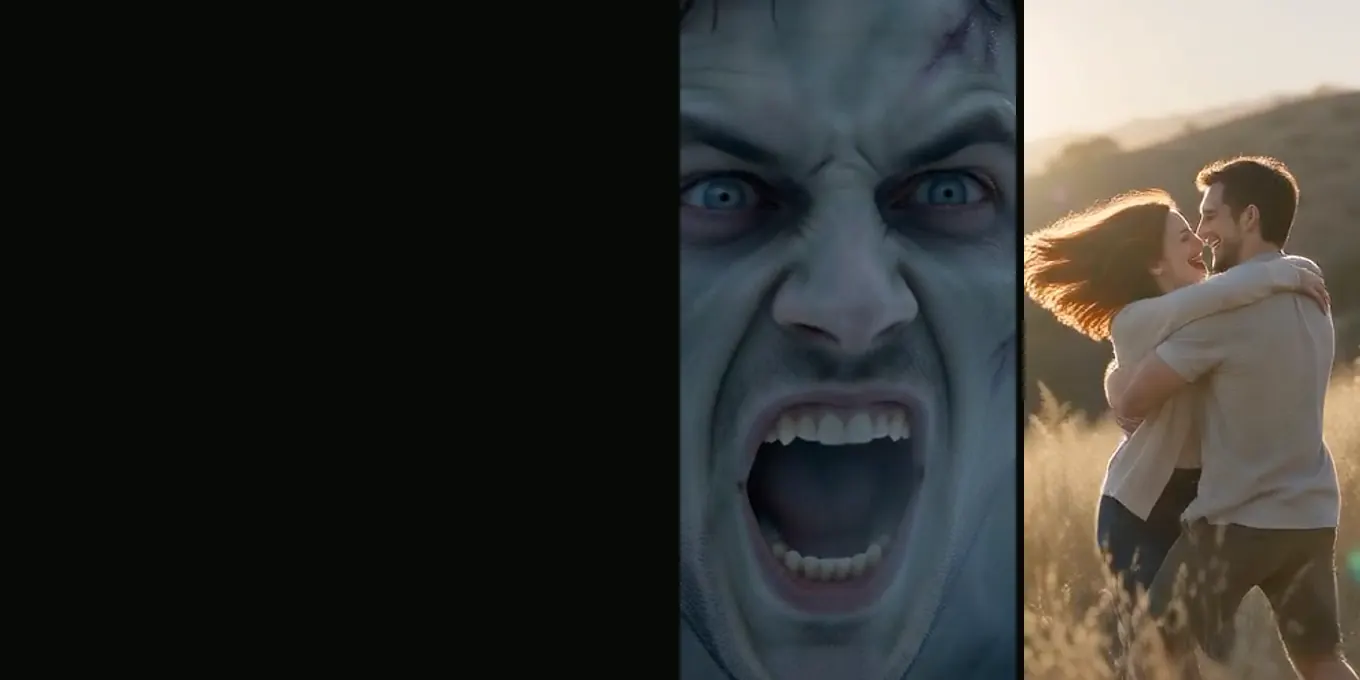
GEMINI
The zombie trend with Gemini
- 10-second clips
- Two prompts
- One-step route
Read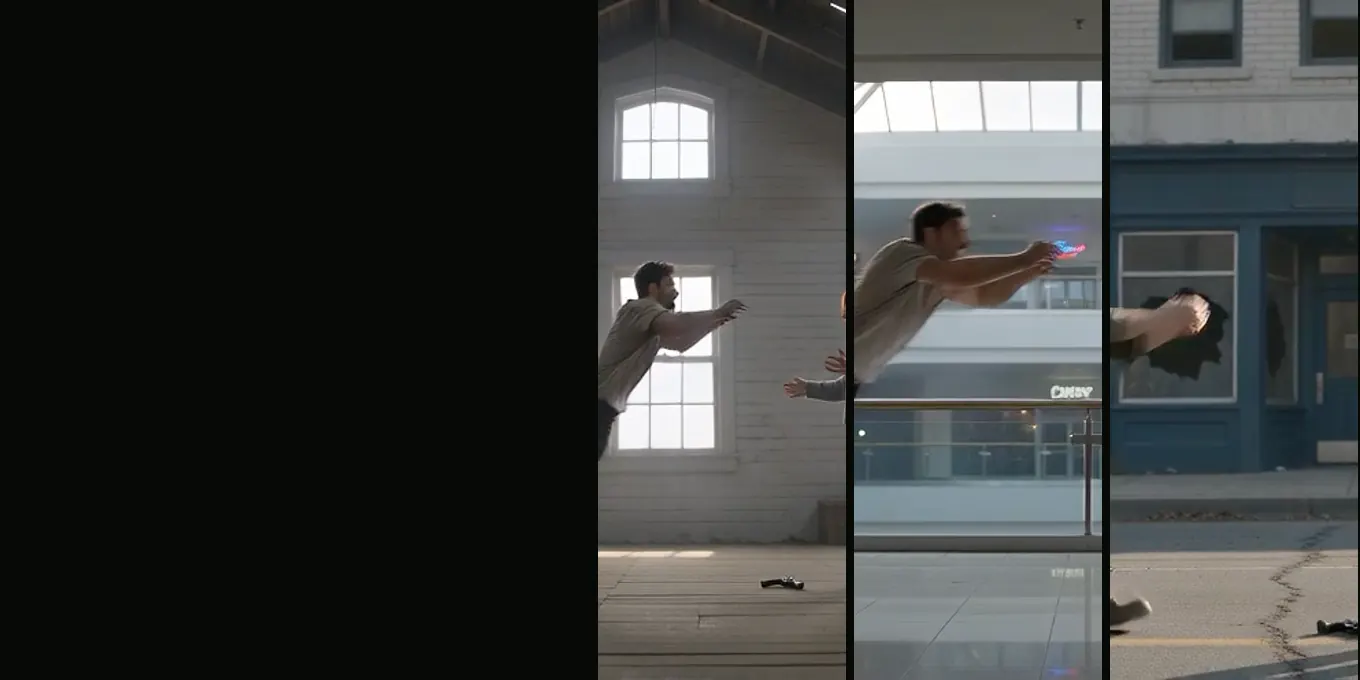
COMPARED
Zombie AI video generators, October 2026
- Models
- Apps
- One-step sites
Read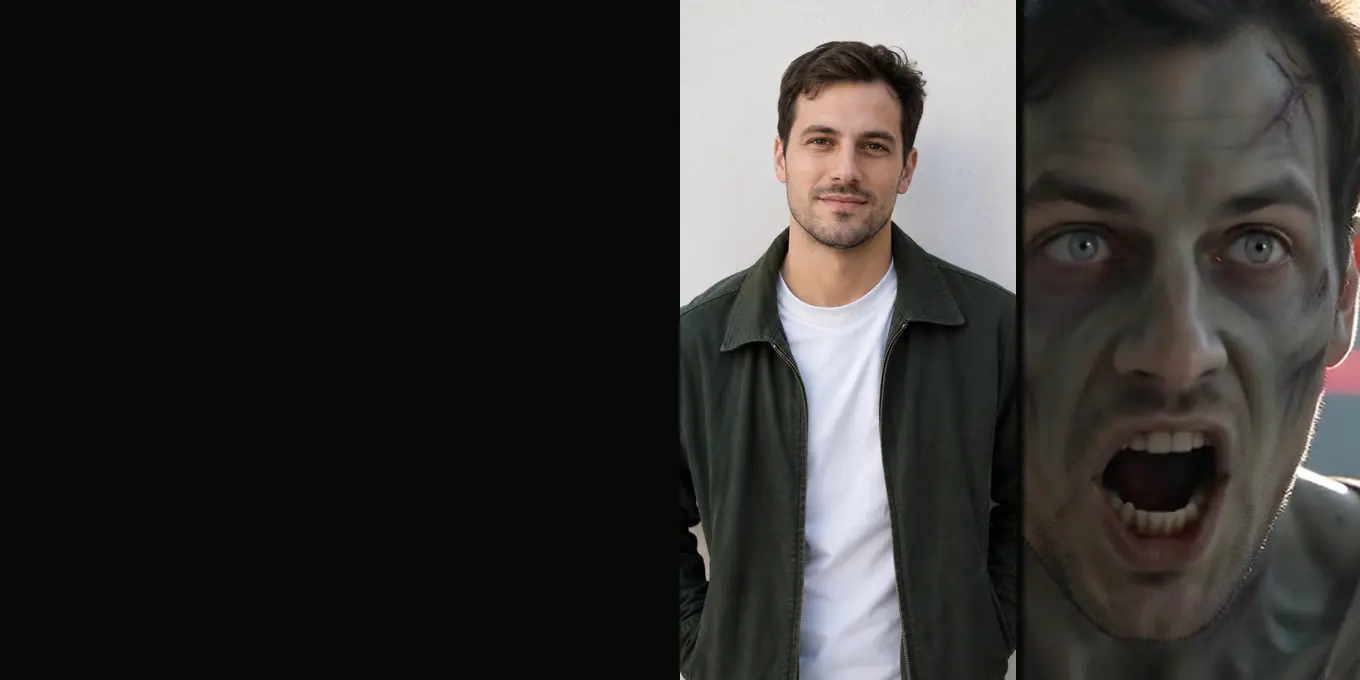
FILTER OR FILM
AI zombie filter or zombie trend video?
- One photo
- Two photos
- Which to pick
Read
Quick answers
AI Halloween video questions
Question not answered here? Write to us or check the prices.
01Is AI Halloween free to use?
The site has no free render, preview or sign-up credits. A standard 15-second film uses 12 credits, and the smallest pack costs $9.99. Credits for a failed render are returned automatically.
02Can I make a Halloween film with my pet?
Yes. Choose Pet and put one dog or cat in the second photo. The first photo is the survivor. One pet is supported in a single film.
03Which person becomes the zombie?
The second photo is the turning role; the first is the survivor. Use the swap control between the two photo slots if you want to reverse those roles.
04Can I make it vertical for TikTok or Reels?
Yes. Choose 9:16 in Video settings for a vertical output. The default is 16:9. The credit cost is shown before you start.
05Does the video include a song?
The render includes atmospheric sound, but not a licensed trend song. You can add music in TikTok or Reels when publishing.
06Is the effect graphic?
The prompt requests a restrained zombie appearance without blood or wounds and ends with a warm reunion. AI output varies, so watch the complete render before sharing it.
07How long does generation take?
The provider estimates up to about 5 minutes for a Seedance render. You can close the page and find the result under My videos.
08What happens if a render fails?
The credits for a failed render are returned automatically. A completed render is not refunded only because its creative details differ from what you expected. See the refund policy.
09Do I need to install an app?
No. AI Halloween runs in a browser on mobile and desktop. Sign in with Google to create, pay and download your MP4.
10Can I use one selfie or include three people?
No. The story has two roles and needs two photos: two people, or one person and one pet.
11How long are uploaded photos kept?
Uploaded photos are scheduled for deletion 7 days after the render finishes. Finished videos stay in your account until you delete them. Read the privacy policy.
Your cast is ready
Make a Halloween story worth replaying
Choose two photos, set the roles and check the credit cost on the create button.